Tufte CSS Showcase
Tufte CSS Showcase
This showcase validates Tufte-style typography, sidenotes, full-width media, and TOC interaction in the Fluid integration.
This page is a regression baseline for the Tufte layer in Fluid.
Abstract Check
This paragraph exists to verify that front-matter summary appears in the hero deck while body abstract text still renders naturally in the main flow.
The Basic Idea
Tufte-style writing keeps the main prose clean and moves context to the margin.A sidenote should sit in the right note lane on desktop and fold into a toggle block on mobile.
A margin note works similarly but does not require a running number.Use margin notes for side comments, definitions, and short source context.
Typography and Rhythm
Good information design is mostly about hierarchy, spacing, and stable rhythm. This sentence validates line-length and sidenote alignment under the current width model.
Quotations
The commonality between science and art is in trying to see profoundly.
— Edward Tufte
Inline Semantics
Inline code such as label.margin-toggle and
span.sidenote should remain readable in running text.
Math should keep a clean baseline:
E := ∑i(Rpi + t − qi)2
Inline math sanity checks: α + β = γ and $f(x)=\frac{1}{1+e^{-x}}$.
Additional display equations for layout checks:
$$ \hat{\theta} = \arg\min_{\theta} \sum_{i=1}^{n} \left(y_i - f_\theta(x_i)\right)^2 $$
$$ A = \begin{bmatrix} 1 & 2 & 3 \\ 0 & 1 & 4 \\ 5 & 6 & 0 \end{bmatrix},\quad A^{-1} = \begin{bmatrix} -24 & 18 & 5 \\ 20 & -15 & -4 \\ -5 & 4 & 1 \end{bmatrix} $$
Full-Width Media (text + sidenote span)
The first sample uses figure.fullwidth and should expand
to the width of 正文 + 边注通道.
This lead line intentionally has a long sidenote before the full-width figure.If float clearing works correctly, this note should stay clear of the image area and never overlap the media block below.
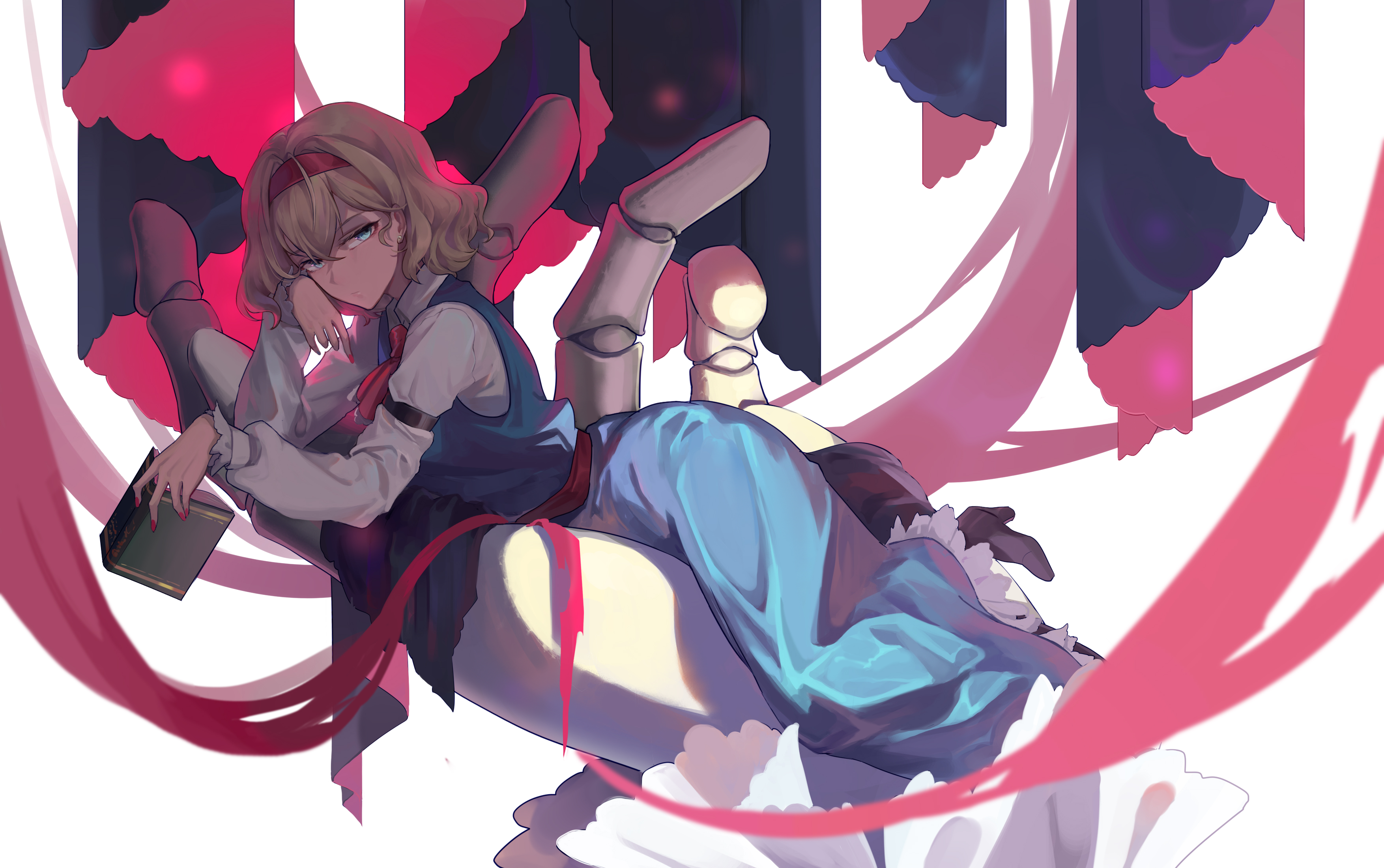
The second sample uses img.fullwidth directly.

Sidenote image sample in note lane The
image should scale to note width and remain fully visible. to verify note media
behavior.
The
image should scale to note width and remain fully visible. to verify note media
behavior.
Code Block
1 | |
Table and Lists
| Item | Expected behavior |
|---|---|
| TOC | Right full-height translucent panel, hidden until edge hover |
| Sidenote | In right lane on desktop, folded on mobile |
| Fullwidth image | Span text + sidenote combined width |
- Level 1 item
- Another item with a sidenoteDense-list scenario test.
- Last item
Nested List Stress Test
- Top ordered item
- Level-2 bullet with inline code
Gauss-Newtonand a reference link.- Level-3 ordered node with sidenoteNested-list sidenote: this checks list indentation + note placement coexistence..
- Level-3 ordered node with inline math ∇f = 0.
- Another level-2 bullet to test line wrapping behavior in narrow widths.
- Level-2 bullet with inline code
- Second ordered item
- Level-2 bullet
- Level-3 bullet
- Level-4 bullet (extra depth sanity check).
- Level-3 bullet
- Level-2 bullet
Multi-Paragraph Notes
Longer notes should wrap with a stable line-height and never drift outside the paper shell.When a sidenote is long, the page should remain visually balanced, and the main text lane should not collapse or shift unexpectedly. This paragraph intentionally adds more content for wrapping behavior verification.
Final Checklist
- TOC hidden by default and fully revealed on right-edge hover.
- Navbar always paints above TOC.
- Paper shell is wider than content block while content widths remain unchanged.
- Sidenotes stay inside the visual paper area.
- Note content with images renders cleanly.